How to Plan a Website Photoshoot: A Simple Guide for Female Entrepreneurs
Whether you’re building your first website, giving an old one a fresh start, or still just thinking about it, there’s one thing that makes or breaks how it feels: the photos.
Let’s talk about them! Not the ones you’ve grabbed from somewhere random on the internet (using images you don’t have the rights to is a big no-no and can land you in copyright trouble). And definitely not the blurry selfie from that girl’s getaway. I mean the photos people see when they land on your website and start deciding whether your business feels like the right fit for them.
As a web designer, I see this A LOT. Photos are usually the last thing on the to-do list, so websites end up delayed while people wait on them, or launched with placeholders that never get swapped out. Plan your photos early and your website can be designed with your photos in mind.
I recently did my own website photoshoot, and thanks to a bit of organisation, forethought and a list of ideas to cover, we were in and out in 30 minutes. Here’s everything I’d tell a friend before her shoot, whether you’re a coach, a creative, a consultant or any kind of service provider.
Why your website photos matter
People buy from people, especially when they’re hiring a service. Before anyone books a call, they want to know who they’d be working with. Great photos:
Build trust. A clear, well-lit photo says “I’m real, I’m professional and I’m easy to work with.”
Show your personality. Hard to do with a generic image.
Give you a content library. One shoot can fuel your website, socials, emails and Pinterest.
I’m not anti-stock! Carefully chosen, properly licensed stock photos can work really well, especially when you’re starting out. I’d just let your own images lead on the pages that matter most, like your homepage and About page.
Step 1: Start with your website goals, not your outfit
Before you book anything, map out where the photos will live (Homepage, About, Services, socials), what you want visitors to do (book a call, buy, join your list), and how you want your brand to feel.
When I sat down with my photographer, this is exactly where we started. She asked about my goals, where the images would be used and my vision, and made sure I could use them across all my marketing. That chat is why the shoot ran so smoothly. If your photographer doesn’t ask, bring it up yourself.
Haven’t started your website yet, or about to rebuild it? Even better. Jot down the colours and vibe you’re planning and where you imagine photos on each page, so your website can be designed around them from day one.
Step 2: Build a shot list
A shot list stops you getting home with fifteen headshots and nothing for your Services page (it happens!). Send it to your photographer ahead of time so you both know the plan. A solid starting point:
Headshots. A few expressions, from a warm smile to a more thoughtful look.
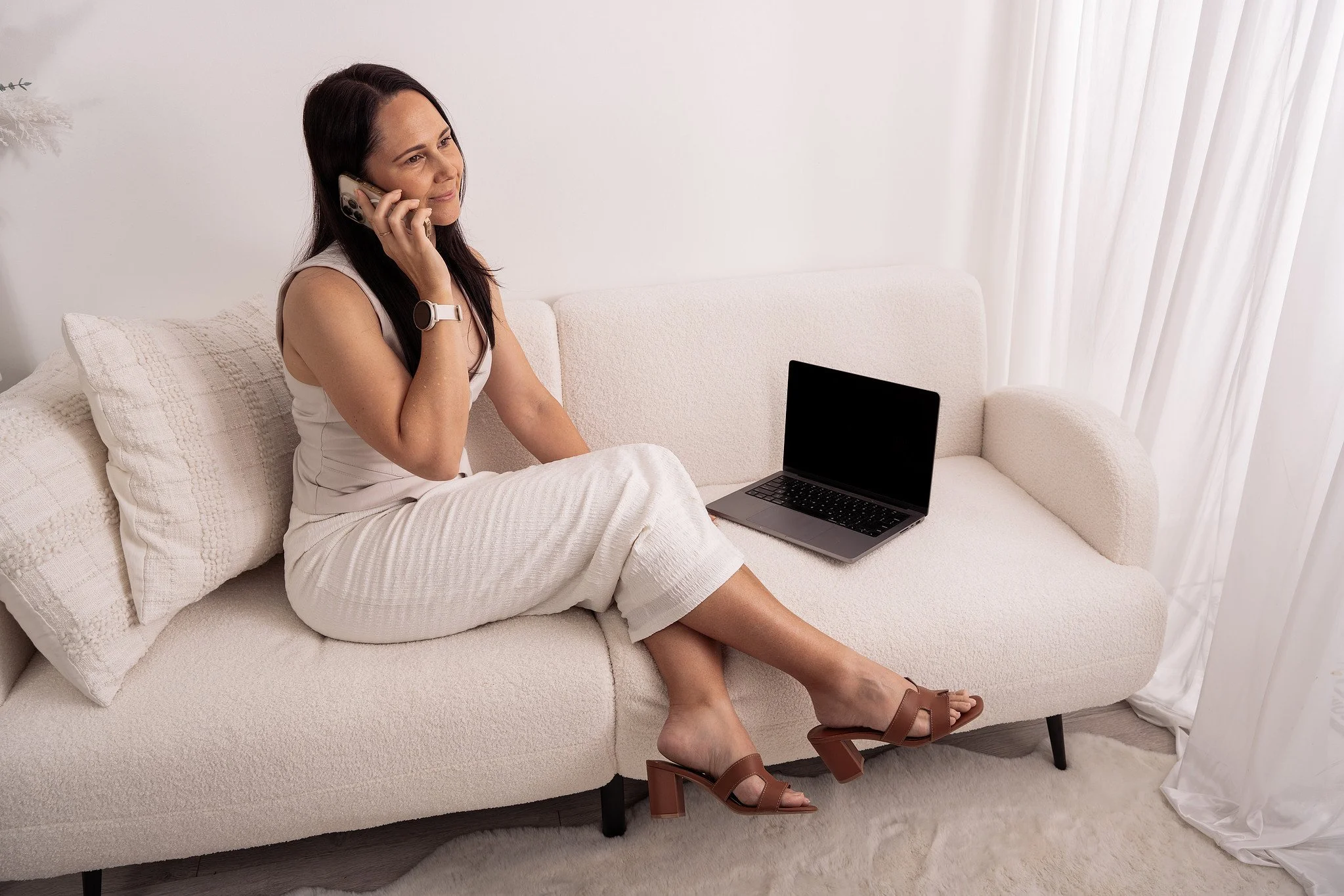
Candid “at work” shots. On your laptop, writing in a notebook, on a call.
Props and details. The tools of your trade, your planner, your product.
Lifestyle shots. Optional, but they add relatability.
A mix of portrait and landscape. Portrait for profiles and Pinterest, landscape for banners and headers.
A few extras from my web design brain:
Plan for mobile and desktop. Ask for some wider shots you can crop for different screen sizes.
Leave space on both sides. Left and right-positioned portraits give you more options for headlines/text.
Check what’s included. Ask how many edited images you’ll get, when, and what type of usage your licence covers.
Planning a new website, or not sure how your photos will fit the one you have?
I’d love to help... Book a discovery call and we’ll chat through it together.
Step 3: Match your look to your brand
Your photos should feel like they belong on your website, so think about your brand colours (or the ones you’re planning) before the day.
I knew I wanted my website to be colourful and bold, so we kept the photos neutral so nothing felt busy. I wore neutral tones that suited my colouring and complexion, and the result lets the design do its thing.
Choose outfits that feel like you (comfortable beats trendy), steer clear of loud prints or logos, and bring props that tell your business story.
Step 4: No picture-perfect workspace? Borrow one
[And use your tools of the trade as a prop]
I didn’t have an aesthetic workspace of my own yet, so my photographer let me use the couch in the lifestyle area of her home studio. The clean white background gave me a polished, on-brand setting without any styling stress. Ask what your photographer’s studio offers or see if you can arrange it a friend’s house, your local cafe, a co-working space or somewhere else that has the vibe you’re after.
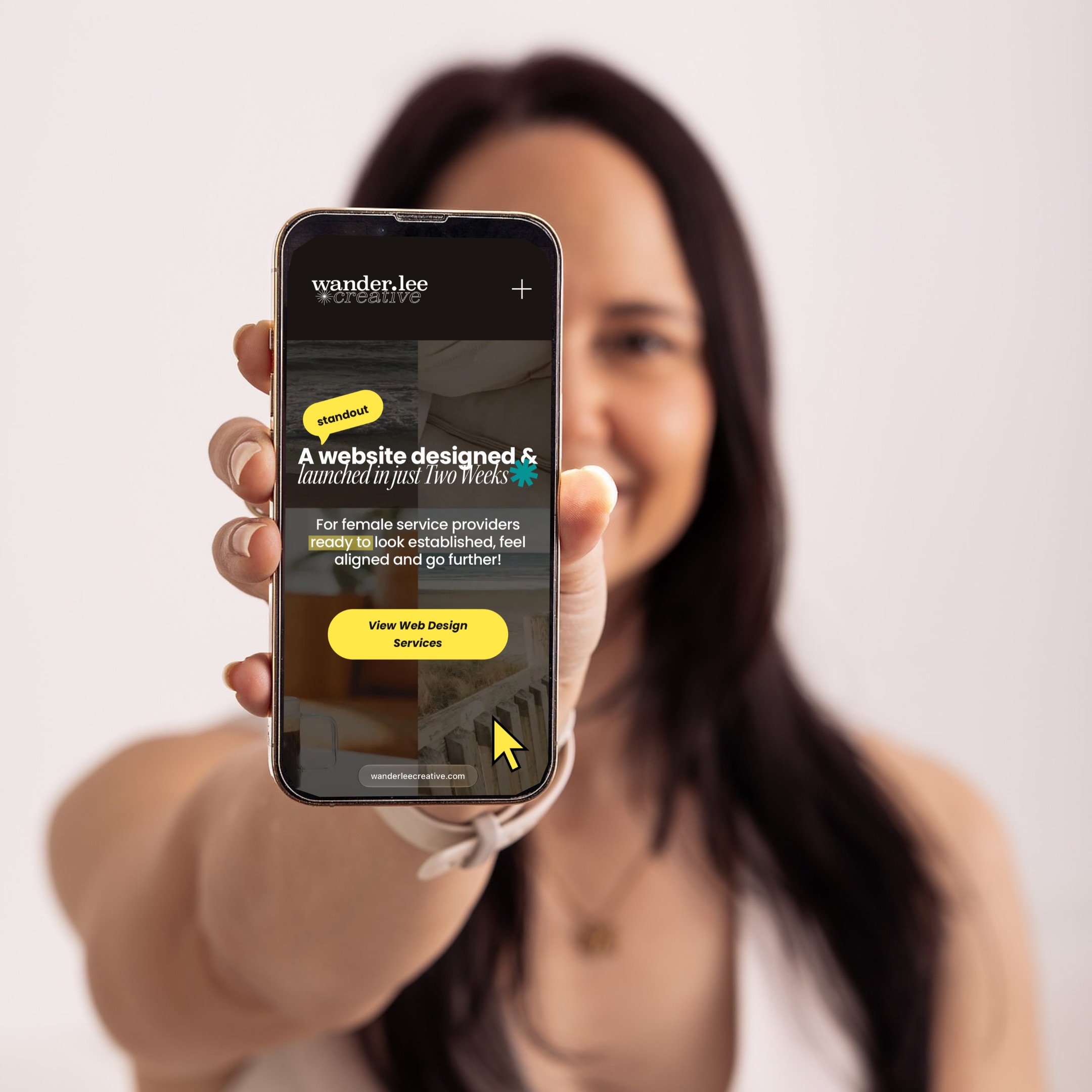
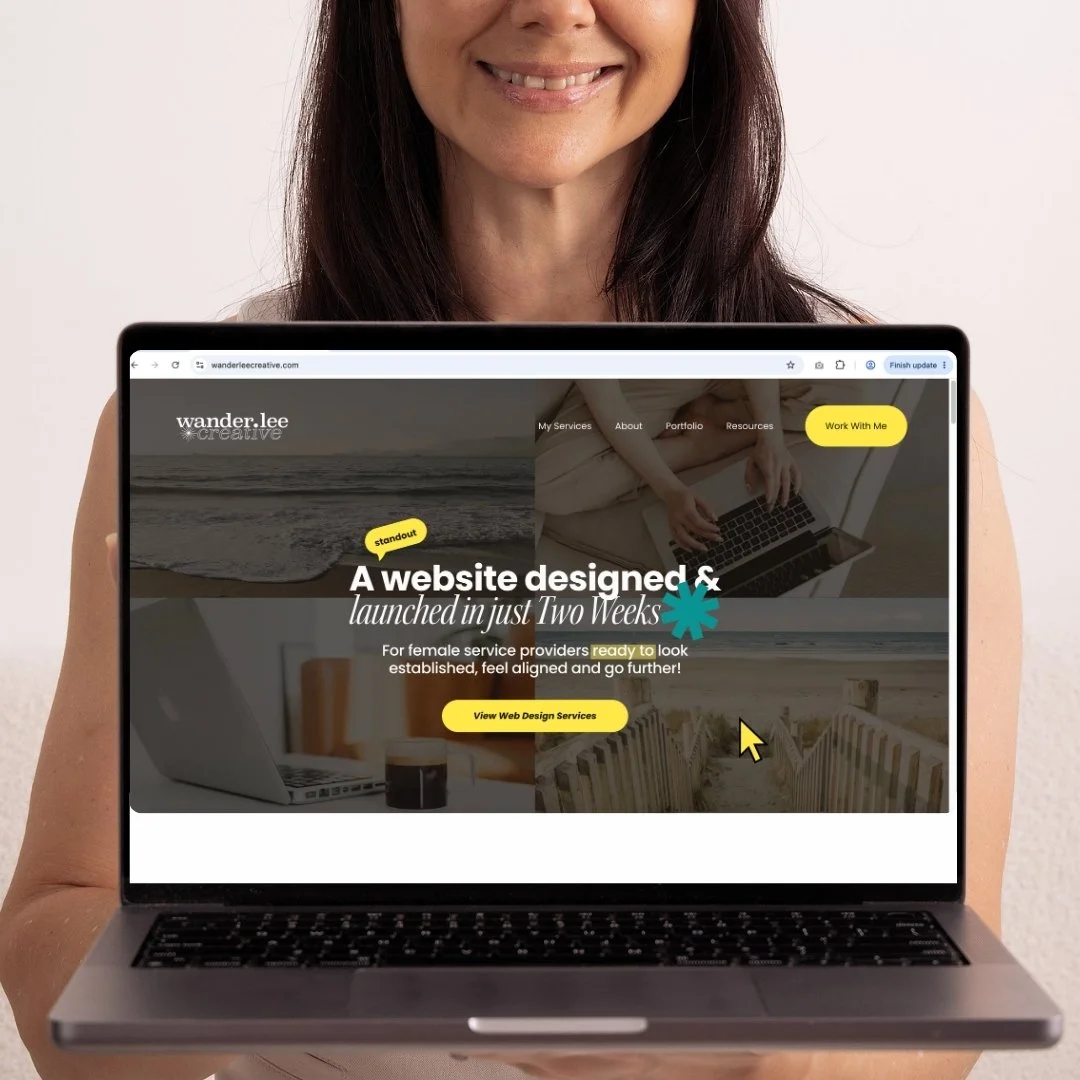
Then my favourite tip: I brought my mobile and laptop and we photographed me holding them up with my website on screen. Against that plain, neutral background, my website really POPPED. It’s a subtle way to show off your work, whether that’s a website, an app, a course or a product. Just check your screens for private information first and ask how to manage glare.
Step 5: Choose a photographer who’ll guide you
The right photographer is a creative partner who directs you and tells you what’s working and why. Mine did exactly that, guiding my poses and advising what would and wouldn’t work for my goals, while still asking for my ideas. We were a bit of a creative dream team, honestly. I chose a really basic package coz I had my website planned out and ready to drop in photos, but with it all pre-planned we made it work beautifully.
Look for someone whose portfolio matches the look you want, who asks about your business and goals first, who makes you feel comfortable, and who is clear about what’s included and how you can use the images.
Step 6: Put your photos to work on your website
Once you’ve got your photos, give them a home:
Homepage hero. A confident image of you, ideally with space for your headline.
About page. Your candid and lifestyle shots.
Services pages. Photos of you working or props related to each service.
Contact page. A warm photo makes reaching out feel less daunting.
Before uploading, resize and compress your photos so they don’t slow down your pages.
Add concise alt text to images that communicate useful information, describing what’s shown in the context of the page. For example: “Web designer working at her laptop in a bright studio.” This helps people using screen readers and gives search engines context about the image. For purely decorative images, use empty alt text so screen readers can skip them. Google has more detail in its image SEO guidance.
Frequently asked questions
-
A good starting point is 10 to 20 strong images. That covers your homepage, About page, services and a few extras for social. A smaller package can absolutely work if you plan your shot list well.
-
A focused shoot can take as little as 30 minutes to an hour. Mine was 30 minutes because we planned ahead. Longer sessions suit multiple outfits and locations.
-
Comfortable outfits that suit your colouring and complement your brand colours. Neutral tones are a safe bet, especially if your website design is going to be colourful. Avoid busy prints and take along a backup option.
-
Stock photos can work well, but photos of you can help visitors get to know the person behind your business. Even a small shoot can give your website a more personal and intentional feel.
What about when I’m ready to put my photos to work?
So now you know how to plan a shoot that gives you photos you’ll love AND actually use. Whether you’re starting a website from scratch or refreshing the one you have, the next step is giving those photos to a designer who can create an online home that shows your business at its best.
I’m a web designer and strategist for female entrepreneurs who want a site that looks uniquely like them, is intentional and helps visitors to take the next step with them. And through my focused process, your website can be ready in just TWO WEEKS…not months!
Book a discovery call, with Leeanne!
Let’s chat about your website…
…or you can request my price guide
if you’d like to explore the details first…